

Portable Power / Buying guide · Updated October 4, 2026 · United States
Choose a portable power station by checking three things first: what it must run, how long it must run, and how you will recharge it. A larger battery does not automatically power a larger appliance. You need enough stored energy and a suitable output.
SolOffGrid may earn a commission from qualifying purchases through links on this page, at no additional cost to you. This is a research-based buying guide, not a hands-on test. We checked manufacturer documentation; the example calculations below are planning exercises, not measured runtimes.

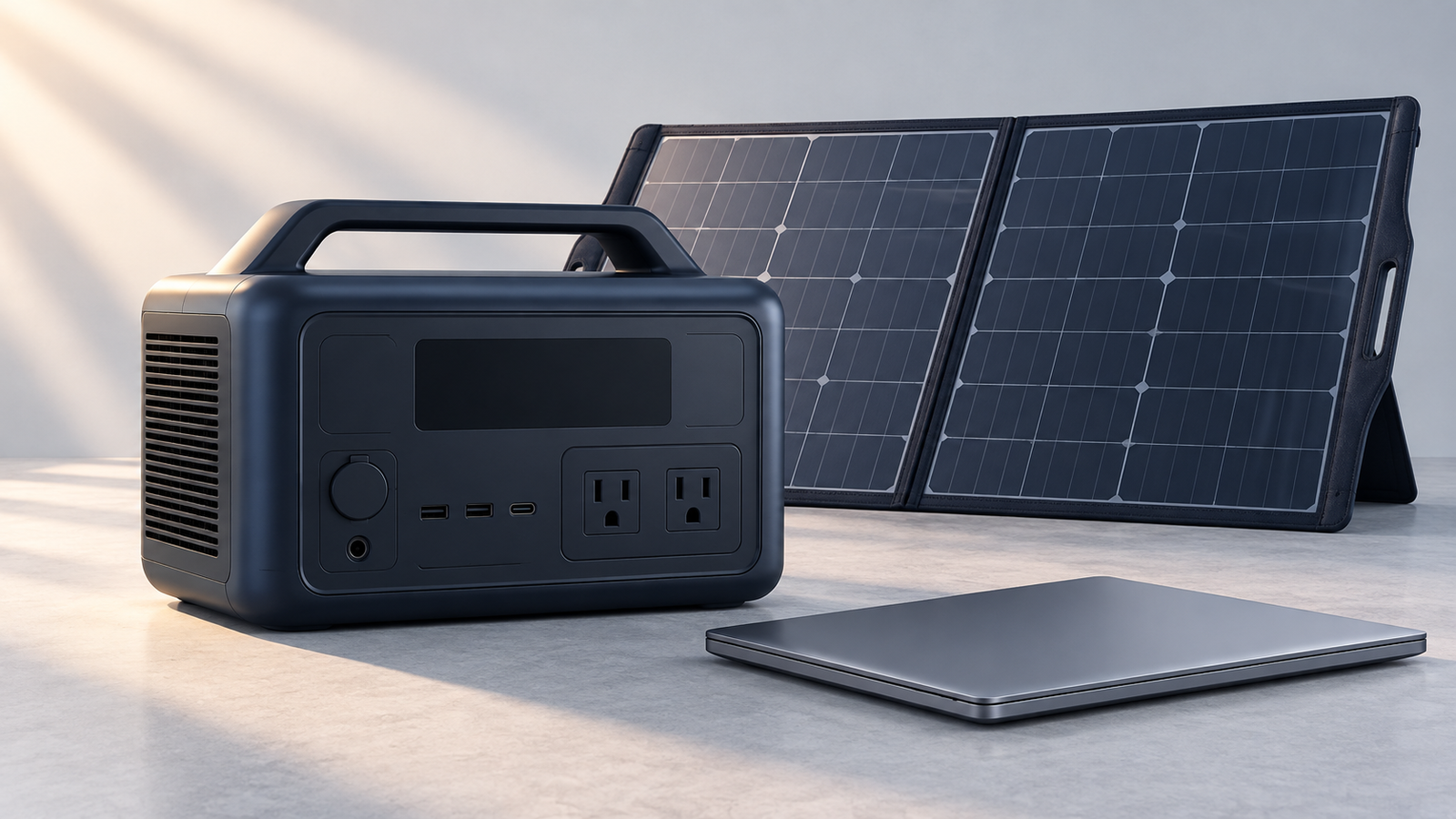
Power station or solar generator: what are you buying?
A portable power station stores electricity in a battery and supplies it through its supported outlets and ports. The solar panel, not the battery itself, converts sunlight into electricity. Sellers often use “solar generator” for a station-and-panel bundle. Check the actual package contents: a listing for the station alone may not include panels, solar adapters, or expansion batteries.
Keep three shopping lists separate: a carryable station for individual devices, a larger backup station, and an installed solar-and-battery system. Their portability, installation requirements, and total costs are different. If you need a permanently installed system instead, start with our solar kit guides and battery storage guides.
1. Understand watts, watt-hours, and startup demand
| Specification | What it answers | Buying mistake to avoid |
|---|---|---|
| Continuous output (W) | Can it support the devices running together? | Choosing by battery size alone. |
| Battery capacity (Wh) | How much energy is stored? | Treating nominal capacity as fully usable AC energy. |
| Startup / surge capability | Can it start a motor or compressor? | Assuming a marketing “boost” number guarantees compatibility. |
| Input limits | How can it recharge? | Buying panels based only on wattage or plug shape. |
Check each device’s label and manual, then add the watts of devices that will operate simultaneously. Motor-driven appliances may have startup requirements above their running draw. A station must support both the load and its startup behavior. Check the output voltage, frequency, waveform, and individual outlet limits—not just a headline watt rating. Jackery’s selection guidance explains these output checks.
2. Build an energy budget, not a shopping guess
Make a device list with average power and hours of use between recharge opportunities. For steady loads, energy in watt-hours equals watts multiplied by hours. Use measurements when available; a charger’s maximum rating is not necessarily the device’s average consumption.
| Device | Assumed average draw | Time | Energy |
|---|---|---|---|
| Laptop | 45 W | 4 hours | 180 Wh |
| LED light | 10 W | 5 hours | 50 Wh |
| Small fan | 20 W | 4 hours | 80 Wh |
| Total | 75 W if all run together | Different operating times | 310 Wh |
For illustration, allowing an 80% delivered-energy factor gives a nominal capacity requirement of 310 ÷ 0.80 = about 388 Wh before an additional reserve. This factor is an assumption, not a universal efficiency rating. Choose your reserve based on uncertainty and the consequences of running out of power; do not treat a calculated minimum as a guaranteed runtime.
Another steady-load example: a nominal 1,000 Wh battery with the same assumed factor supplying 100 W gives 1,000 × 0.80 ÷ 100 = about 8 hours. Jackery publishes this simplified approach and explicitly warns that it is approximate and unsuitable for refrigerators, freezers, or other variable/startup-heavy loads. Standby consumption, temperature, battery age, and output mode can change the result. See its runtime estimation notes.
For a refrigerator: check startup compatibility separately and measure energy over a representative period. Multiplying its nameplate watts by 24 hours may badly misrepresent a cycling appliance. Recharging during an outage also needs a realistic energy plan.
3. Match the shortlist to the job
- Phones and laptops: compare suitable USB-C output, the cables you need, energy per day, and weight. Do not pay for a large inverter unless you need AC devices.
- Camping: include every device and each day without dependable charging. Consider lifting the station, carrying panels, and protecting the station from weather. For a practical two-night worksheet, see our portable power station camping guide.
- Apartment outages: identify a small set of essential devices first. Evaluate usable energy, indoor placement, recharge access, and outlet limits. A balcony is not automatically a suitable solar location.
- Home circuits: this is a different design problem from plugging a lamp into the station. Confirm the exact model’s integration equipment with a qualified electrician.
For RV planning beyond a stand-alone station, use our RV solar planning guide. Avoid buying a home-backup-sized system merely to cover a low-power weekend load.
4. Check the recharge plan before buying panels
Compare AC charging, vehicle charging, and solar charging separately in the exact model’s manual. A fast wall-charge claim does not tell you how fast it will recharge from a vehicle socket or a small panel. Ask what equipment is included and what power source will be available when you actually need it.
For solar, check the documented voltage range, maximum current and power, connector and polarity, approved panel configurations, and temperature limits. A matching connector is not proof of electrical compatibility. Do not improvise high-voltage arrays or adapters. As one model-specific example, the Explorer 5000 Plus US manual specifies different solar inputs and configuration restrictions; those instructions cannot be generalized to other stations.
Panel nameplate watts are not a promise of continuous input. Shade, orientation, weather, and the station’s limits affect recharge. Think in energy recovered over the available sunlight period, not simply hours spent outdoors. Our solar panel production guide explains that distinction.
5. Compare the full US purchase, not just the sale price
Use a checklist for each candidate: exact model and regional version; supported appliance voltage and frequency; carry weight; battery chemistry; documented cycle-life test conditions; included charger; solar accessories; expansion rules; warranty eligibility; return terms; and shipping to your ZIP code. Compare totals in USD, including panels, cables, expansion batteries, and any required installation equipment.
Do not assume a European listing, a similar model name, or a battery chemistry label makes a unit suitable for your US setup. Also distinguish cycle-life claims from warranty coverage: they answer different questions. Ask the seller for clarification before buying when a manual and sales listing disagree.
A smaller US product example: Explorer 2000 v2
The Jackery Explorer 2000 v2 is a different product from the Explorer 2000 Pro, 2000 Plus, and 5000 Plus. Jackery’s US specifications list 2,042 Wh of nominal battery capacity, 2,200 W of rated AC output, and a weight of about 39.5 lb (17.9 kg). Its US AC outlets operate at 120 V, 60 Hz. These are manufacturer specifications, not results from our own testing.
Use those numbers to screen your device list—not to assume it will run your refrigerator for a full day or power every device at once. Check startup demand, individual outlet limits, recharge options, and the exact package. This example is not a claim that the model is the best or lowest-cost option.
Check Explorer 2000 v2 US options — affiliate link
Model specifications and link destination checked October 5, 2026. The selected base listing included the station and an AC charging cable, not solar panels. Price, availability, package contents, and shipping eligibility can change; confirm them on the seller’s page before ordering.
A verified large-backup example—not a universal recommendation
The Jackery Explorer 5000 Plus illustrates why capacity and portability must be considered together. Jackery’s US documentation lists 5,040 Wh nominal capacity and an approximate 61 kg weight (about 134 lb). That is a substantial backup unit, not our default suggestion for carrying around a campsite. We have not tested it physically.
Evaluate the exact package, output-port limits, charging behavior, compatible accessories, and your measured loads before considering it. Its presence here does not mean it is the cheapest or best choice for your household. Specifications were checked October 4, 2026 against Jackery’s model information and the US product listing.
Check Explorer 5000 Plus US options — affiliate link
This model-specific link was checked to land on Jackery’s US Explorer 5000 Plus series listing. Confirm the selected variant and package before checkout. We do not guarantee stock, price, shipment eligibility, or affiliate attribution.
Safety and realistic limits
Follow the exact unit’s manual for placement, ventilation, charging, storage, temperature, and approved accessories. Do not assume an outdoor-looking case is rainproof. Keep the station protected as specified by its manufacturer. Do not open or modify its battery.
Never backfeed a home outlet. Powering selected devices directly is not the same as connecting to home circuits. Household electrical integration needs manufacturer-approved equipment and a qualified electrician following applicable requirements. Do not rely on a general buying guide for medical-device backup; obtain device-specific guidance and a dependable contingency plan.
Frequently asked questions
Is a solar generator different from a power station?
Often the term describes a battery power station packaged with solar panels. Read the included-items list: the battery station alone does not generate electricity from sunlight.
Is 1,000 Wh enough for an outage?
It depends on the loads and duration. A hypothetical steady 100 W load gives about eight hours with an assumed 80% factor. That is not a refrigerator or whole-home runtime guarantee.
Can I use any solar panel?
Not without checking the station’s documented input limits and configuration rules. Match the electrical specifications and approved connection equipment, not just the plug.
Should I buy the largest station I can afford?
Not automatically. Start with the job it must do, then weigh usable energy, output capability, recharge options, carry weight, and complete cost. A larger station can be unnecessarily cumbersome.
Does a power station automatically replace a UPS?
No. Verify the exact model’s supported backup modes, transfer behavior, port restrictions, and the connected equipment’s requirements. Do not infer uninterrupted operation from a generic pass-through charging claim.
Before you order
- List devices, simultaneous running watts, and startup requirements.
- Estimate energy between charges using realistic usage and a stated reserve.
- Confirm outputs and the exact US model documentation.
- Choose an achievable recharge plan and compatible accessories.
- Check the delivered package cost, warranty, returns, and ZIP-code availability.
Our recommendation: buy the smallest suitable system that meets your documented output, energy, and recharge needs with a sensible reserve—not the model with the biggest headline number.
Sources and research notes
Reviewed October 4, 2026. Primary sources: Jackery’s selection guidance, runtime estimation guidance, Explorer 5000 Plus model information, US manual, and US product listing. Manufacturer claims are not independent test results. We did not measure runtime, verify every appliance pairing, or perform electrical installation testing. The worked examples are original planning scenarios, not product ratings. See our editorial policy for research standards and corrections.
Explorer 2000 v2 US specifications were additionally checked October 5, 2026 against Jackery’s US product listing.